> ## Documentation Index
> Fetch the complete documentation index at: https://magicads.mintlify.site/llms.txt
> Use this file to discover all available pages before exploring further.
# SEO Tool
> This advanced tool provides trending keyword suggestions for articles, relevant search questions for outlines, and optimizes meta titles, descriptions, and keywords to maximize SEO impact.
This is a **Paid** extension that you need to first purchase via **Marketplace**
## Introduction
Introducing our SEO Tool extension, a comprehensive solution for content optimization. This advanced tool provides trending keyword suggestions for articles, relevant search questions for outlines, and optimizes meta titles, descriptions, and keywords to maximize SEO impact on the website's admin side. Additionally, it generates meta titles and descriptions for blog posts based on their titles. Stay competitive with our intelligent, streamlined platform, and anticipate further enhancements in the near future.
## Extension Configuration
To be able to use SEO Tool feature, follow these steps to setup SEO Tool Extension.
Go to the **Marketplace** in **Admin Panel** and install **SEO Tool** extension after successfully purchasing it first.
 After installation is completed, go to **AI Settings** page in Admin Panel and click on **Extensions** tab there. Click on **SEO Tool** tab there.
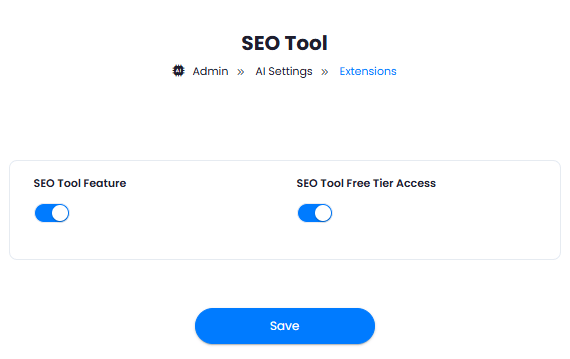
 **SEO Tool** extension settings page is the main configuration of this extension.
1. Turn on the checkboxes for **SEO Tool Feature** and **SEO Tool Free Tier Access**
If you don't turn on SEO Tool Free Tier Access, then users who did not subscribe to any subscription plan where you have SEO Tool Feature enabled, will not have any access to this feature
2. After you are done with configuration, click the **Save** button.
**SEO Tool** extension settings page is the main configuration of this extension.
1. Turn on the checkboxes for **SEO Tool Feature** and **SEO Tool Free Tier Access**
If you don't turn on SEO Tool Free Tier Access, then users who did not subscribe to any subscription plan where you have SEO Tool Feature enabled, will not have any access to this feature
2. After you are done with configuration, click the **Save** button.
 Some features of the SEO Tool uses OpenAI LLM, make sure to include your OpenAI API keys in the AI Settings page
Some features of the SEO Tool uses Serper, make sure to include your Serper API keys in the AI Settings page
Congratulations! You have successfully completed the SEO Tool extension configuration. Proceed to the section below on how to use it.
## How to Use SEO Tool
Here is the detailed explanation of each feature of SEO Tool extension, and how to use it properly.
After you are done with installation and configuration of the extension, go to the User Panel and click on **SEO Tool** tab.
Once you are on the SEO Performance Analyzer page, you have 3 options:
1. **URL Analysis** - helps you anylyze and recommend SEO optimizations for the submitted URL
2. **Text Analysis** - helps you optimize SEO of the provided Text
3. **Keywords** - helps you optimize and check submitted keywords
Some features of the SEO Tool uses OpenAI LLM, make sure to include your OpenAI API keys in the AI Settings page
Some features of the SEO Tool uses Serper, make sure to include your Serper API keys in the AI Settings page
Congratulations! You have successfully completed the SEO Tool extension configuration. Proceed to the section below on how to use it.
## How to Use SEO Tool
Here is the detailed explanation of each feature of SEO Tool extension, and how to use it properly.
After you are done with installation and configuration of the extension, go to the User Panel and click on **SEO Tool** tab.
Once you are on the SEO Performance Analyzer page, you have 3 options:
1. **URL Analysis** - helps you anylyze and recommend SEO optimizations for the submitted URL
2. **Text Analysis** - helps you optimize SEO of the provided Text
3. **Keywords** - helps you optimize and check submitted keywords
 **URL Analysis** - enter your valid URL address and click **Analyize URL** button. It returns following information:
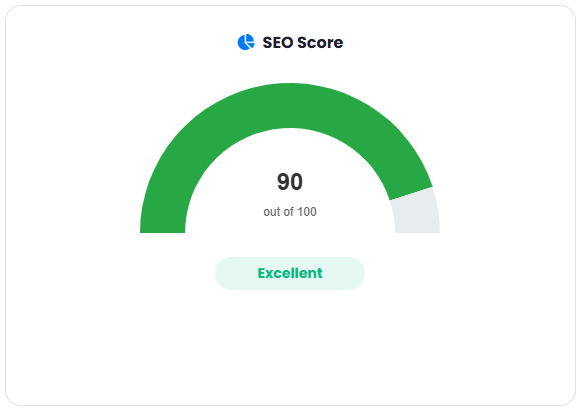
1. **SEO Score** - overall SEO Score
**URL Analysis** - enter your valid URL address and click **Analyize URL** button. It returns following information:
1. **SEO Score** - overall SEO Score
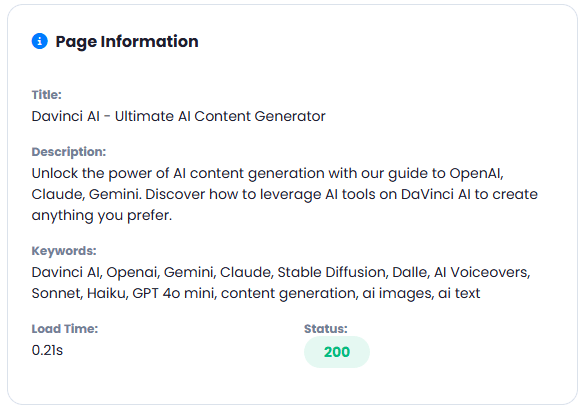
 2. **Page Information**
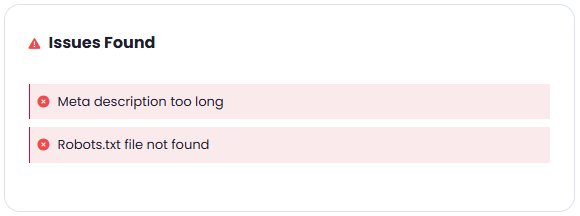
 3. **Issues Found**
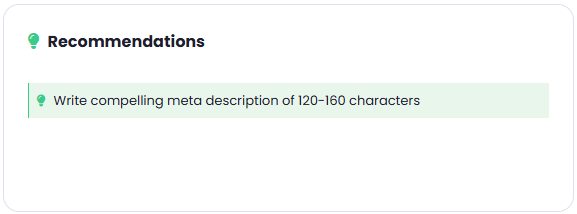
 4. **Recommendations**
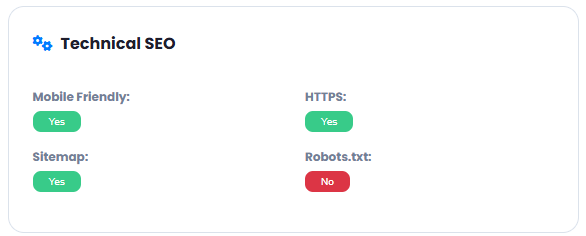
 5. **Technical SEO**
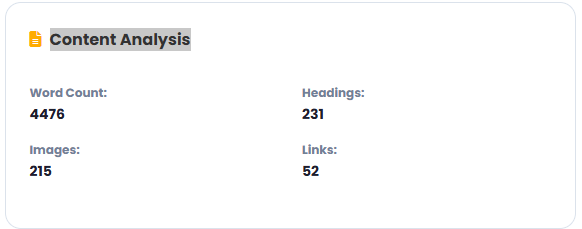
 6. **Content Analysis**
 **Analyze Text** - enter your text and click **Analyize Text** button. It returns following information:
Some features of the Analyze Text option uses OpenAI LLM, make sure to include your OpenAI API keys in the AI Settings page
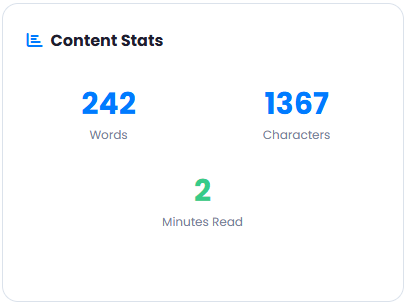
1. **Content Stats** - overall content statistics
**Analyze Text** - enter your text and click **Analyize Text** button. It returns following information:
Some features of the Analyze Text option uses OpenAI LLM, make sure to include your OpenAI API keys in the AI Settings page
1. **Content Stats** - overall content statistics
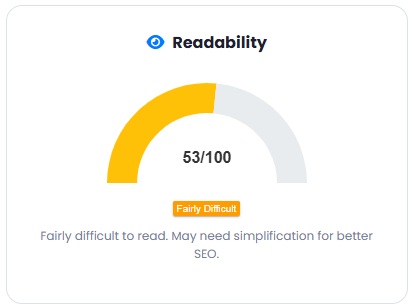
 2. **Readability**
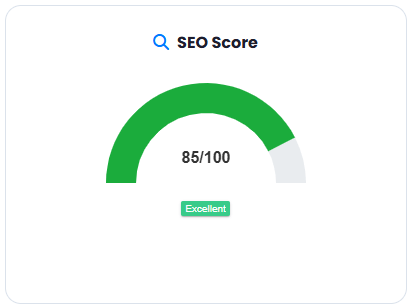
 3. **SEO Score**
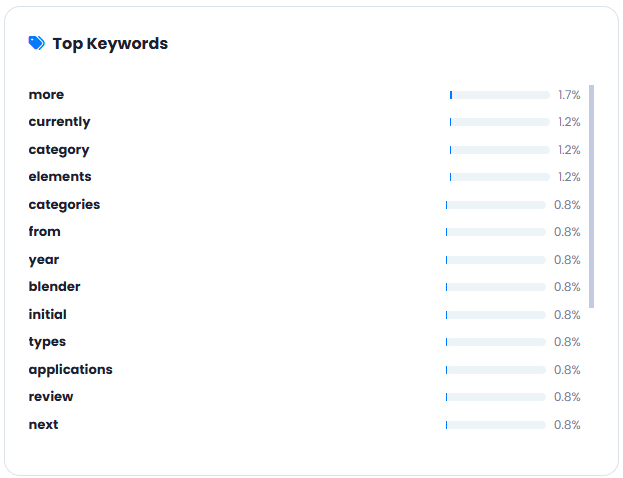
 4. **Top Keywords**
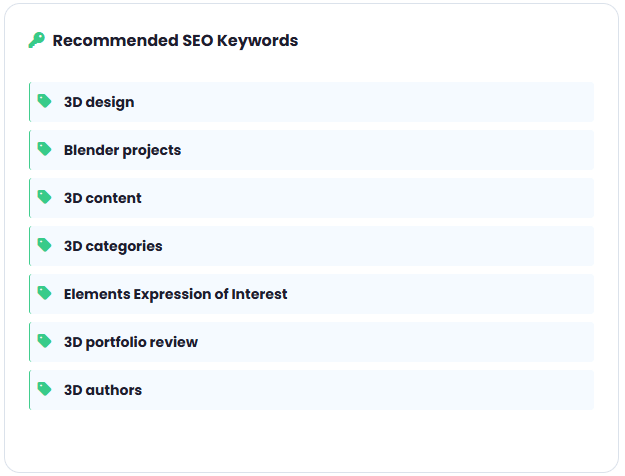
 5. **Recommended SEO Keywords**
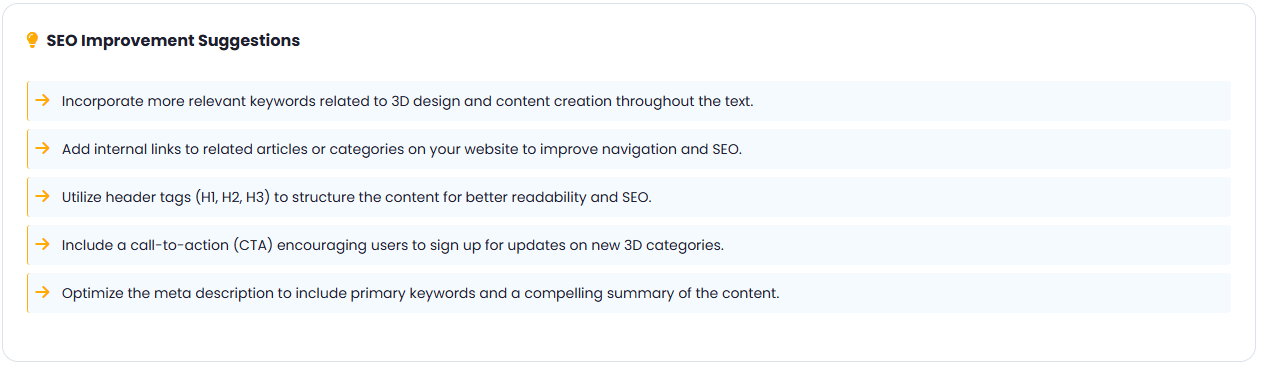
 6. **SEO Improvement Suggestions**
 **Analyze Text** - enter your text and click **Analyize Text** button. It returns following information:
Some features of the Keywords option uses Serper, make sure to include your Serper API keys in the AI Settings page
1. **Keyword Overview** - overall keyword statistics
**Analyze Text** - enter your text and click **Analyize Text** button. It returns following information:
Some features of the Keywords option uses Serper, make sure to include your Serper API keys in the AI Settings page
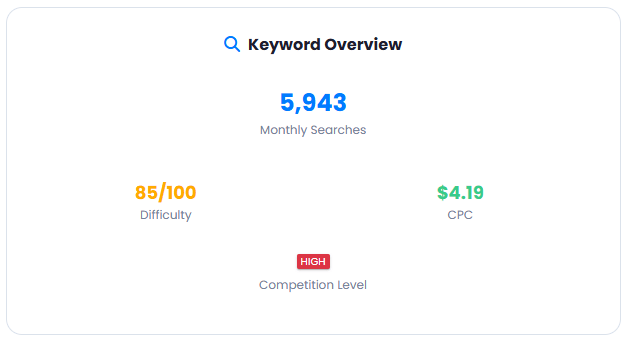
1. **Keyword Overview** - overall keyword statistics
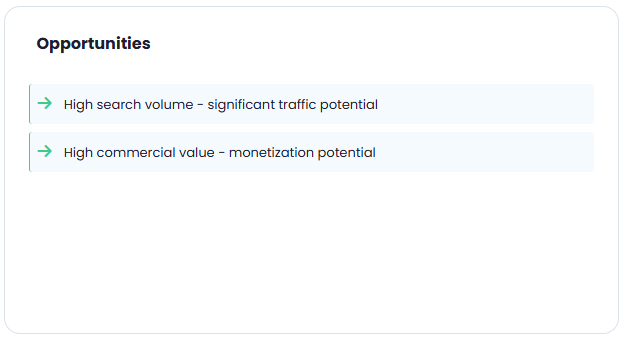
 2. **Opportunities**
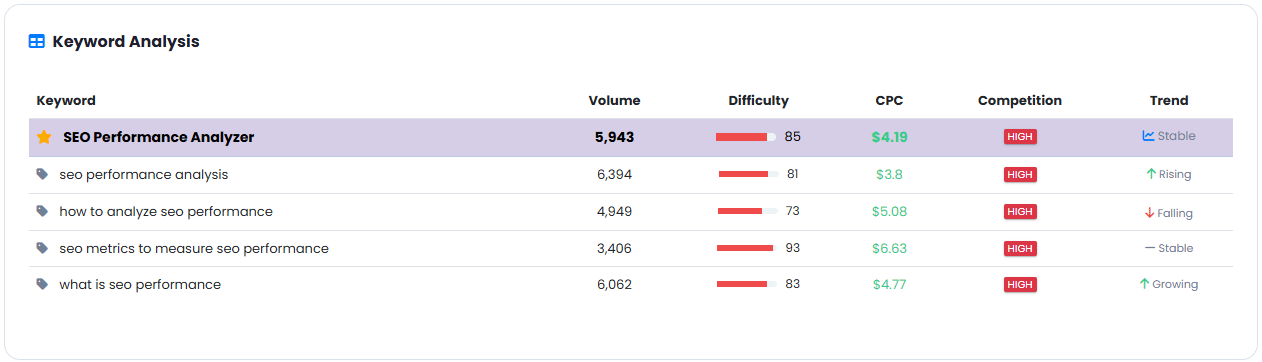
 3. **Keyword Analysis**